

Let’s talk about content marketing tools, because there are just so many to choose from (and believe me as a digital marketing consultant for small businesses, I’ve tried most of them.
If you’ve been looking for one, you’ve probably seen lists recommending $500/month software, enterprise-level platforms, and tools with feature lists so long they make your head spin.
And if you’re like me, you won’t want to spend thousands each year on a tool, particularly if you’re a small business. There are plenty of affordable (and even free) content marketing tools that actually work.
In this blog, I’ll cover the best content marketing tools for design, social media, SEO, email marketing, and reporting. I’ve used them, and most of them are affordable and free options that won’t blow your budget.
I’m not affiliated with any of these tools, so they are just my honest recommendations based on what actually works for small businesses.
TL;DR (Summary): The best content marketing tools are Canva for design, Meta Business Suite or Sked Social for social media scheduling, Claude AI for content planning, Ubersuggest or Semrush for SEO, Mailchimp or Mailerlite for email marketing, and Google Analytics for tracking performance
My Selection Criteria: What Makes a Good Content Marketing Tool for Small Businesses?
Here’s how I judged which tool is the best one for the job:
✅ It must be somewhat affordable for small businesses
✅ It must be easy to use and not clunky
✅ It actually works well in creating, analysing, and publishing good content
✅ It integrates well with other tools
This blog covers the following categories:
- Best design tools
- Best social media scheduling tools
- Best AI tool
- Best tools for SEO
- Best email marketing platform
- Best tool for content reporting and analytics
Before we dive into specific tools, make sure you have a content marketing strategy in place first. otherwise you’ll be buying things you don’t need.
Let’s get into it!
Best Content Marketing Tools for Design
Canva (Free and Paid)

Almost all great marketing teams I’ve worked with use Canva, and for good reason. The tool just makes graphic design so simple and intuitive. If you’re not a designer (like me), Canva offers free and paid tools you’ll definitely need to explore.
Pros:
- Its intuitiveness is equivalent to an iPhone, making it very easy to use
- There are thousands of templates, like social media posts, presentations, PDFs, and even videos. You can customise these easily
- Easy drag-and-drop for any photos or elements
- Much nicer looking designs than getting AI to do your images for you
Cons:
- Canva AI isn’t great yet. It doesn’t take instructions well and often gets the designs wrong
- If you don’t have a keen eye for design, you can still end up with an amateur-looking design
Best for: Small businesses that need quick social media graphics, presentations, and PDFs.
Pricing: Free version available with limited features. Pro version for AUD $165/year
My take: Start with the free version and see if you have the time to build your own graphics. If you feel like your images are not looking great, then consider hiring a graphic designer instead (your business will thank you for it)
Best Social Media Planning Tool
Meta Business Suite (Free)
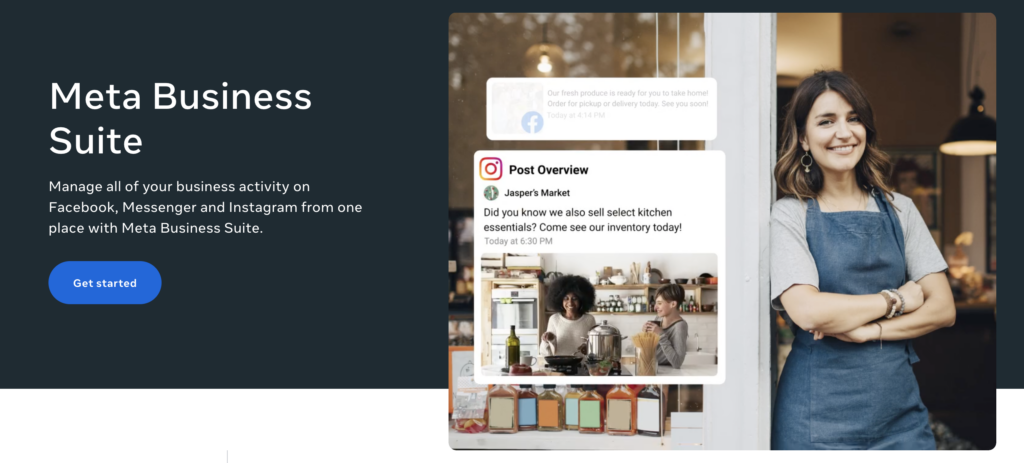
Meta Business Suite allows you to publish and schedule content on Instagram and Facebook. If you’re looking to be more diligent in your social media posting and not post every now and then on a whim, this tool is a must-use
Pros:
- The tool is completely free to use
- There’s built-in analytics, so you can see which of your posts are working and what’s not
- If your business page is part of a Facebook group, you can schedule your post to publish on those groups
- The scheduling tool is straightforward and simple to use
Cons:
- You can only schedule posts for up to 29 days in advance. For users like me who like to plan their content months ahead, it does jam your workflow.
- Posts are limited only to Meta platforms (i.e. Facebook and Instagram)
Best for: Small businesses using Facebook and Instagram who need basic scheduling
My take: This is perfect if you’re just starting out or if you only use Facebook and Instagram. It’s free, it works, and it’s simple. But be sure to plan your content ahead of time for the best effects.
Sked Social (Paid)
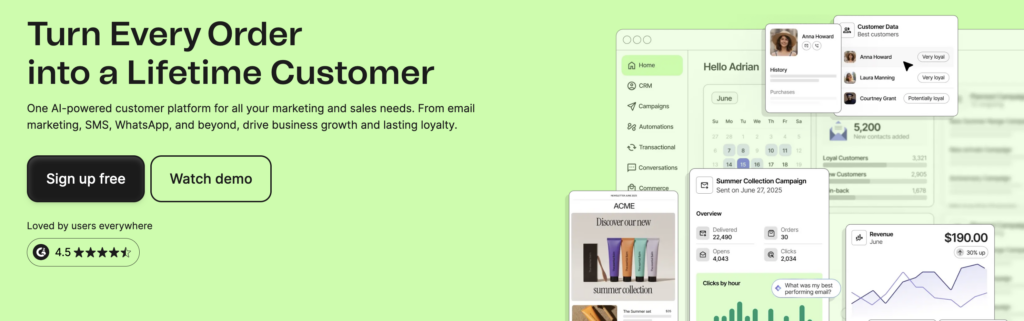
Sked social is a paid social media planner you can use for multiple platforms. In just one tool, you can get social media ideas, schedule your posts, reply to your inbox, collaborate with team members, and get good analytics.
Pros:
- Unlike Meta, it has unlimited scheduling limits, so you can schedule content way in advance.
- Supports Instagram, Facebook, LinkedIn, Twitter, and TikTok. Basically, all your platforms in one place
- It’s affordable compared to competitors like Hootsuite, and at a better price point for small businesses
Cons:
- Their support is offshore
- The platform can be slow and laggy at times
Best for: Businesses that are more serious about their social media marketing and want to post content in advance on multiple platforms
Pricing: Plans start around AUD $82/month
My take: You don’t need this if you’re happy with Meta Business Suit. But it’s one of the most affordable options in the market for social media planning.
Best AI Content Marketing Tool
Claude AI (Free and Paid)
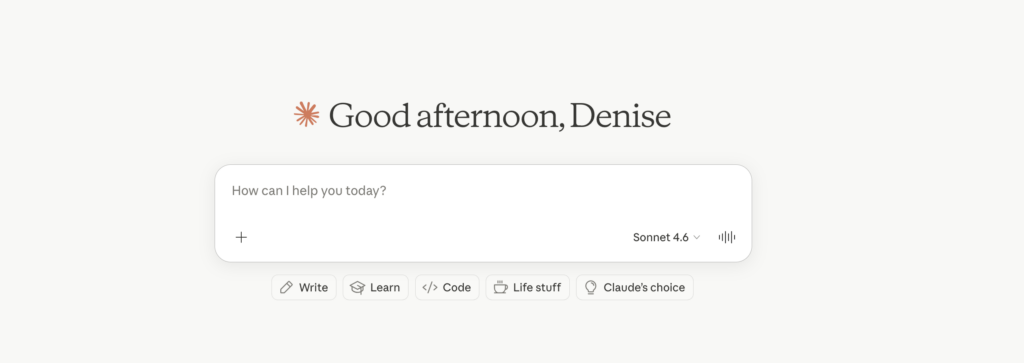
Claude AI can be used for many things, but content marketers use it as an assistant for content planning, brainstorming, and strategy. Although I have talked about the pitfalls of using AI to write content, I use Claude AI all the time to plan my outlines and give me ideas.
It’s hands-down the best AI tool for content marketing planning.
Pros:
- You generate blog outlines, social media post ideas, and email nurture ideas
- More conversational and better quality than ChatGPT for marketing tasks
Cons:
- You’ll eventually run out of credits, which can be annoying when you need content ideas
- Don’t just copy/paste AI output. It’s a tool, not a replacement for your brain.
Best for: Content planning, idea generation, and as a sounding board for your next marketing content.
Pricing: Free version available. Pro version is AUD $29/month)
My take: Use Claude to speed up planning and brainstorming. But always edit, add your expertise, and make it sound like you. AI-generated content without human input is obvious, and it doesn’t convert.
Best Content Marketing Tools for SEO
Semrush (Free and Paid)
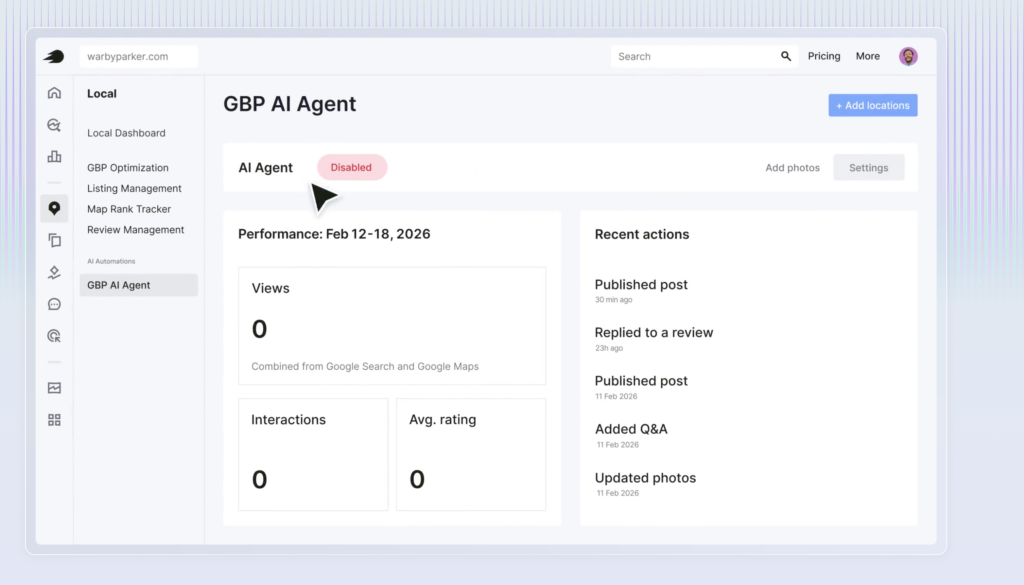
Semrush is considered a gold standard in SEO tools. It does keyword research, analyses your competitors, and tracks your rankings and even writes content (although I won’t encourage this). Many marketing agencies use this for clients and vouch for its data.
Pros:
- In terms of SEO, it has everything you need in one place
- Semrush data is one of the best for keyword research
- It has a good audit tool that you can use to identify any technical SEO issues
- You can track your rankings and competitor rankings
Cons:
- Semrush is quite pricey, with monthly plans that start from AUD $169/month
- It’s not exactly suitable if you’re just using it for one business or website
Best for: Semrush is great for marketing agencies with multiple clients that are doing SEO.
My take: Unless you’re a marketing agency or willing to fork out $200 each month for an SEO tool, skip this and use a cheaper one, or go with an affordable content marketing agency that can do this for you.
Ubersuggest (Free and Paid)
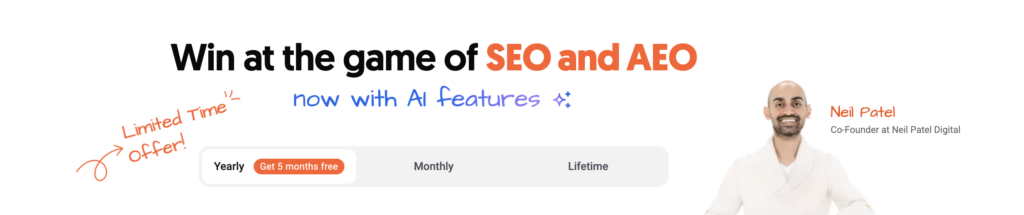
Ubersuggest is the budget-friendly alternative to Semrush. Like Semrush, it’s a keyword research tool that lets you see what keywords are trending, which ones you should target for your small business, and how you rank against competitors.
It’s a much more affordable tool, with a lifetime pricing option, so you only pay once.
Pros:
- One-time lifetime plan available where you pay once and use forever
- Good for tracking small business data
- A cheaper alternative to many SEO tools out there
- They have cheaper individual plans for solo entrepreneurs who only want to track one website
Cons:
- Data might not be as reliable as Semrush
- Steep learning curve if you don’t know what you’re looking at
Best for: Small businesses on a budget who want basic SEO tracking
Pricing: Lifetime deal for individual plans is around AUS $404. Monthly individual plans are around $40.
My take: Ubersuggest is a good tool to invest in for your small businesses. The lifetime deal is an incredible value, but you do need to invest time to learn how to use the software, plus put it to good use. Otherwise, it becomes another wasted investment.
Best Content Marketing Tools for Email Marketing
Mailchimp (Free and Paid)
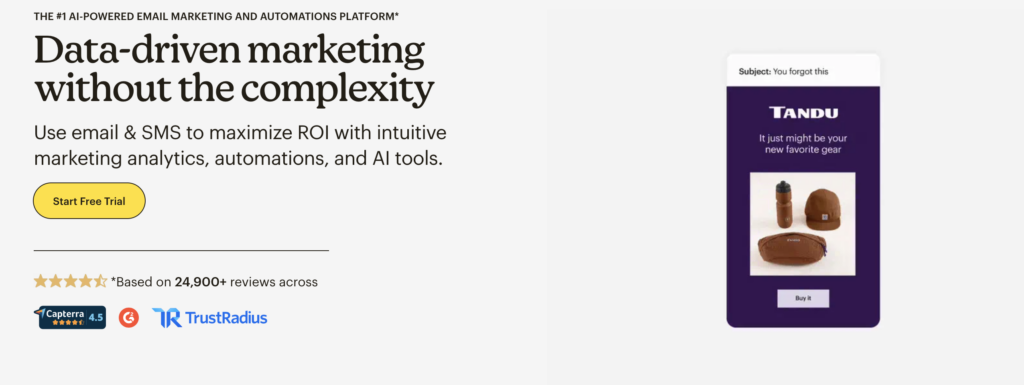
Mailchimp is one of the most well-known email marketing tools for a reason. It’s quite intuitive and has good features for building your email and reporting. Many businesses don’t realise this, but reporting is one of the best things you can have in your email marketing. How else can you improve what you send to potential customers?
Pros:
- It has a drag-and-drop feature to create professional emails
- You can see open rates, click rates, and where your emails went
- Set up email sequences that run on autopilot
Cons:
- You’ll have to spend a minimum of AUD $20 on their basic plan
- They only have phone support for their premium members
Best for: Small businesses that want robust email marketing features and detailed reporting.
Pricing: Free plan available. Plans start from AUD $20 a month.
My take: Mailchimp is great if you want a full-featured platform with automation and detailed analytics. But I’d suggest using their free trial first and seeing if it’s good for your business.
Brevo (Free and Paid)
Brevo is another popular email marketing platform. It comes with a free starter plan for solopreneurs with a limit of 300 emails a day. For the free feature, it has a decent setup, like drag and drop, open rate reporting, and basic eCommerce integration.
Pros:
- The free plan allows for 300 emails per day
- Easy-to-use platform
- Set up email funnels on their free plan
Cons:
- Customer service isn’t great, and I’ve heard mixed reviews about their support.
- Not as customisable as Mailchimp for their email builder
Best for: Small business owners who want decent email marketing features without breaking the bank
Pricing: Free plan available. Paid plans from AUD 10/month)
My take: If you want email + SMS + a basic CRM and don’t want to pay Mailchimp prices, Brevo is a good choice.
Best Content Marketing Tools for Reporting and Analytics
Google Search Console (Free)
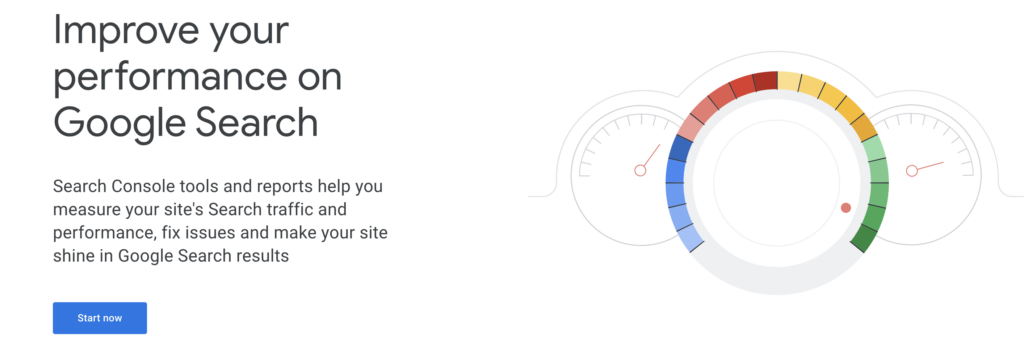
Search Console is a product of Google itself, and you can use it to track your SEO performance straight from Google. The data is pretty accurate and provides good insights into how your website is performing.
Google Search Console is a must for me if you have a small business. It’s free, it’s from Google, and you can use the data to make useful improvements.
Pros:
- It’s completely free. No catch, no hidden fees
- You can see what keywords people are searching for to find you
- Identifies technical SEO issues (i.e., broken links, indexing problems, mobile issues)
- See how people find your site (which pages are popular?)
Best for: Small business owners who want to track their organic search performance and SEO health
My take: Set this up today if you haven’t already. Or you could get us to set it up for you.
Google Analytics (Free)

Google Analytics is anothertool that helps you see user behaviour. While Google Search Console tells you how they find you, Google Analytics helps you track what they do on your website. Which pages do they linger on? Are they buying from you?
This is another analytics that I’d highly recommend, and it’s free.
Pros:
- A free tool you can use to track everything from traffic sources to user behaviour to conversions
- You can see if your traffic came from Google, social media, or direct visits
- See which pages lead to sales or inquiries
- It’s great if you’re running ads, as you can see which ads bring in traffic and conversions
Best for: Business owners who want to understand what their customers are doing on their website, where they come from, and improve their ROI.
My take: Like Search Console, this is another recommended tool. But it can be more complex than Google Search Console, so you do need to know what you’re looking at and how to learn from the data.
How to Choose the Right Content Marketing Tools for Your Business
If you’re feeling overwhelmed by all the options in content marketing tools, you don’t have to use them all. I’d recommend starting with some free tools and then applying them well to your business. Quality beats quantity here, and you don’t want to end up with 5 or 6 tools that you’ve bought but never use.
Here are also some questions you can ask yourself to make your selection easier:
- How much am I willing to spend per month on a content marketing tool?
- Which content type would I like to prioritise for now?
- Do I need advanced features or just the basics?
- Do I have the time to spend on learning how to use these tools?
- Can I get someone to do this for me instead of paying for the tool?
- How often will I be using these tools if I buy them?
Conclusion: The Best Tools Are the Ones You’ll Actually Use
The best content marketing tools aren’t the most expensive or the most feature-packed. They’re the ones you’ll actually use. To recap, we’ve covered AI tools like Claude, social media tools like Meta Business Suite, and email tools like Mailchimp.
There are so many others out there, but these are the ones noteworthy if you want to up your content game. My suggestion is to start with free tools like Meta Business Suite and Google Analytics, and invest in paid tools only when you need more features.
If you can’t take the time to learn and use these tools, it’ll be a waste of money. You’re better off hiring a content marketing agency in Perth to help you with your content strategy, scheduling, and reporting. Sometimes the best tool is a fresh set of expert eyes. That’s where a small business marketing consultant comes in.
At Inskpot Marketing, I can handle the strategy, creation, and tools on an affordable monthly retainer. Think of it this way: would you rather spend time buying and using the tools or running your business?
I’ll plan your content, write your blogs and social posts, optimise for SEO, and track what’s working. If this sounds like something you’d like to consider, let’s chat.
Frequently Asked Questions
Are there free content marketing planning tools?
Yes. Meta Business Suite is free for social media scheduling on Facebook and Instagram. Claude AI, Canva, and Brevo have free plans for light use. Google Search Console and Google Analytics are also free tools straight from Google that you can use to track your website and ROI performance.
What’s the best content marketing tool for SEO?
For premium features, Semrush is the best content marketing tool for SEO. If you’re looking at budget-friendly options, Ubersuggest offers a lifetime plan and covers keyword research, rank tracking, and site audits. Google Search Console is also free and important for tracking SEO performance.
Do I need paid tools for content marketing?
Not necessarily. You can start with free tools like Canva, Meta Business Suite, Google Analytics, and Claude AI. Upgrade to paid tools only when you need advanced features or outgrow free versions.
Can I use AI tools like Claude for content marketing?
Yes, but use AI as a planning and brainstorming tool, not a replacement for human strategy. Claude AI is great for content ideas, outlines, and drafts, but always edit and add your unique expertise before publishing.

Denise Choong
Author
Denise is a small business marketer and copywriter in Perth, and the founder of Inkspot Marketing. With over 10 years of marketing experience, she’s worked with businesses in SaaS, finance, NDIS, medical, hospitality, and other industries.
Denise is passionate about using sound marketing practices to help business owners see tangible results in their investment. More than quick short-term wins, she works closely with businesses and marketing teams to see long-term, lasting growth.